What Does the Green Dot on Snapchat Mean: A Complete Guide to Snapchat Activity Indicators
Snapchat has become one of the most popular social media apps worldwide, particularly among younger audiences. With its unique combination of ephemeral messaging, multimedia content, and interactive features, it stands out from other messaging apps. However, for new users or even experienced ones, Snapchat’s indicators and symbols can sometimes be confusing. One such feature is the green dot, which often sparks curiosity and questions.
The green dot on Snapchat is an activity indicator that lets users know whether their friends are currently active on the app. Understanding what it means, how it works, and its implications is important for anyone who uses Snapchat regularly. Knowing this can help you engage with friends at the right time, maintain privacy, and avoid misunderstandings about your online presence. This guide will cover everything you need to know about the green dot, from how to see it to controlling who notices your activity.
By the end of this article, you’ll not only understand what the green dot signifies but also how to manage your activity status on Snapchat in a way that fits your privacy needs.
Understanding Snapchat’s Green Dot
What the Green Dot Represents
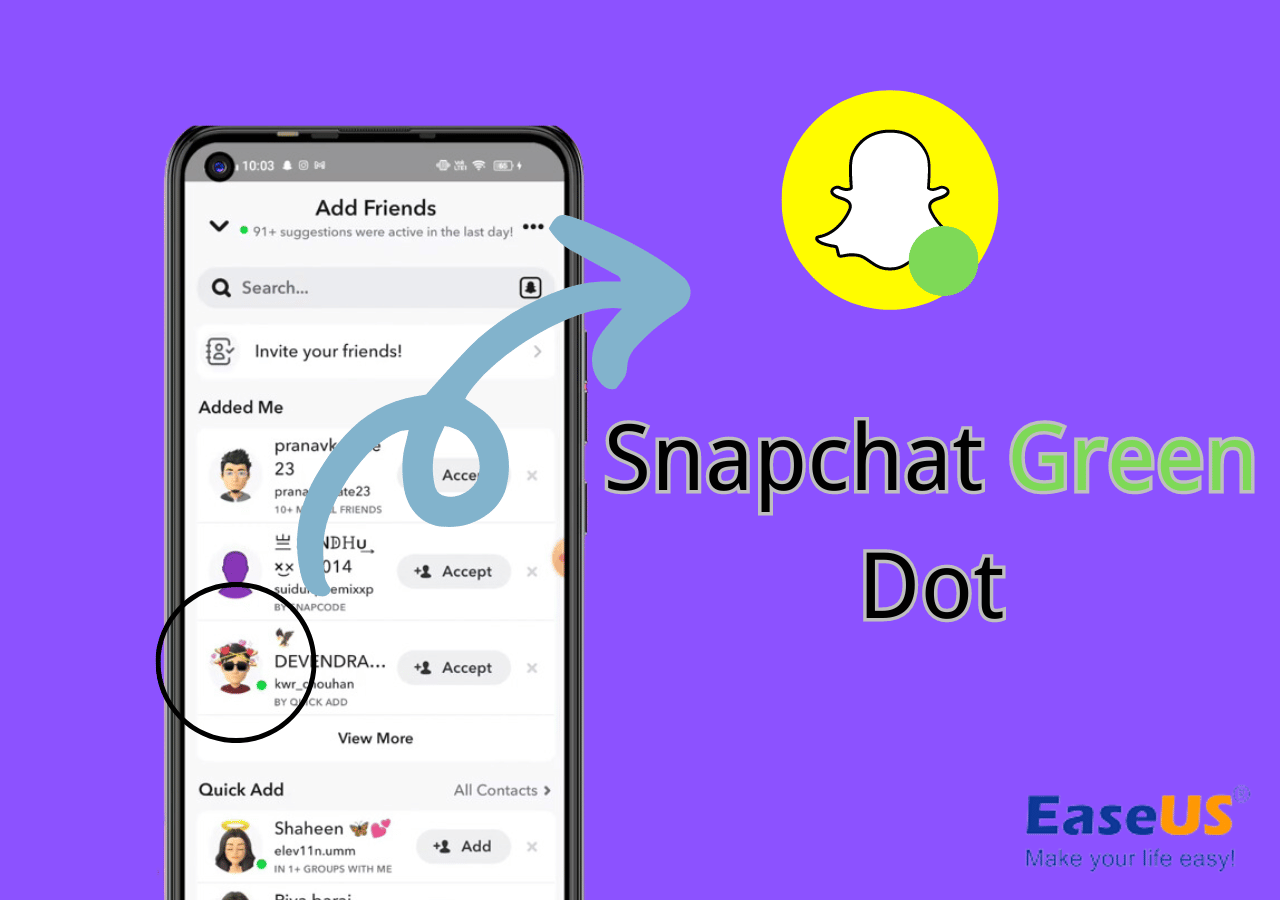
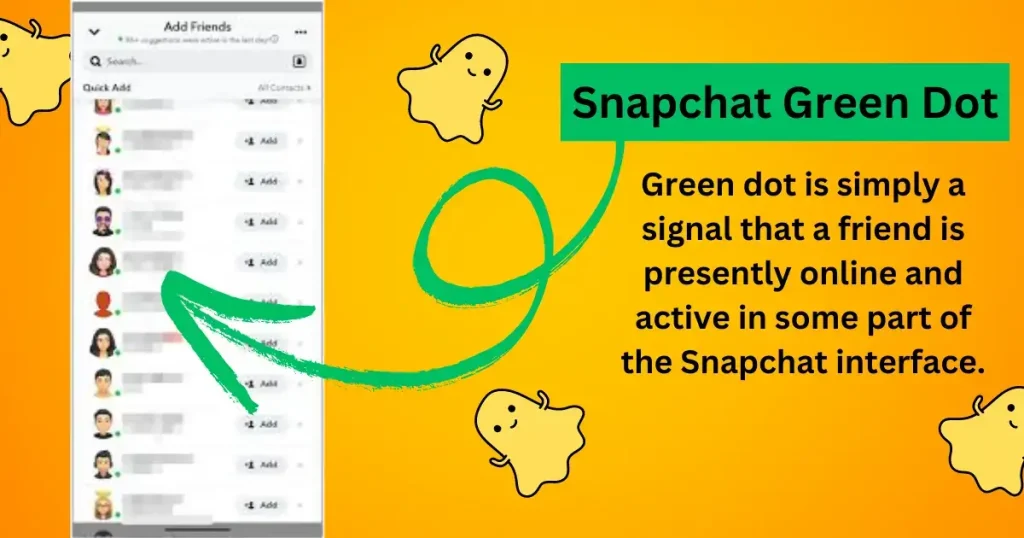
The green dot on Snapchat is essentially a status symbol indicating that a friend is currently active on the app. Unlike Snapstreaks, which track how many consecutive days you’ve exchanged snaps with someone, the green dot simply tells you that someone is online or recently active. Seeing a green dot next to a friend’s name in your chat list or on their profile means that they are available to chat or engage with content in real-time.
It’s important to note that the green dot is different from other Snapchat indicators. For example, a yellow dot can appear for new snaps or messages that you haven’t opened yet. No dot generally indicates that a user is inactive or offline. Understanding these differences helps you navigate the app more effectively and reduces confusion when interacting with friends.
How Snapchat Determines Activity Status
Snapchat determines your activity status based on real-time app usage. If you are actively using Snapchat—browsing stories, chatting, or snapping photos—the app recognizes this activity and displays the green dot to your friends. Even background activity, such as the app being open but running in the background, may influence whether your status shows as active.
However, Snapchat doesn’t share the exact details of its algorithm for privacy reasons. What is clear is that the green dot is designed to reflect active usage rather than passive app presence. This helps maintain the balance between showing availability and respecting user privacy.
How to See the Green Dot on Snapchat
Identifying Active Friends
The green dot appears primarily in the chat list, next to a friend’s Bitmoji or profile picture. It can also show up on the friend’s profile page. By glancing at the chat list, you can quickly identify who is online and potentially ready to chat. This feature is especially useful when trying to connect with friends for spontaneous conversations or collaborative content sharing.
The green dot makes it easier to engage with friends at the right time. For instance, if you want a response to a snap or a message, seeing the green dot can indicate that the person is likely to respond quickly. This real-time interaction element is one of Snapchat’s key features that keeps the platform dynamic and engaging.
Differences Between Android and iOS Displays
While the green dot functions similarly across devices, there are minor differences between Android and iOS. On Android, the green dot usually appears slightly larger and may have a more noticeable glow effect, whereas iOS displays a smaller, subtle dot next to the user’s profile picture. Despite these visual differences, the meaning remains the same: your friend is active.
Being aware of these device-specific variations helps avoid confusion, especially for users who switch between platforms or communicate with friends using different devices.
Privacy Implications of the Green Dot
Can Others See When You’re Online?
One of the main concerns users have is privacy. The green dot lets your friends see when you are online or recently active. While this can be convenient for connecting in real-time, it also reveals your presence on the app. Anyone who is your friend on Snapchat and has access to your chat list can see your green dot if you are active.
This visibility might make some users feel monitored or pressured to respond immediately. Therefore, understanding how the green dot works is essential for managing expectations and interactions.
Controlling Who Sees Your Green Dot
Snapchat allows users to control their activity status through privacy settings. While you cannot completely remove the green dot globally, you can manage who sees it by adjusting friend lists and using selective privacy features. For example, limiting your visible friends or using the “Do Not Disturb” feature can reduce who notices your active status.
These settings empower users to maintain privacy while still engaging with Snapchat’s social features. Balancing visibility with privacy ensures a comfortable user experience without feeling overwhelmed by constant notifications.
Common Misconceptions About the Green Dot
Green Dot vs. Snapstreaks
Many users confuse the green dot with Snapstreaks. Snapstreaks track the consecutive days you and a friend exchange snaps, indicated by the flame emoji and a number. The green dot, however, does not relate to streaks. It solely indicates whether a user is online. Understanding this distinction prevents miscommunication about engagement and activity on the app.
Does the Green Dot Mean They Are Messaging You?
Another common misconception is assuming that a green dot means someone is messaging or ready to respond immediately. The green dot only reflects activity—it doesn’t guarantee attention to your message. Users might be active on Snapchat but browsing stories, posting content, or interacting elsewhere, which means they may not respond right away.
Tips for Managing Your Snapchat Activity Status
How to Turn Off Activity Status
If you prefer to maintain privacy, you can manage your activity visibility on Snapchat. Although you cannot completely disable the green dot, you can reduce its appearance by limiting friend visibility, using private stories, or managing app notifications. Step-by-step guides available in Snapchat’s settings allow you to control these options efficiently.
Best Practices for Privacy and Interaction
Maintaining control over your online presence is essential. Avoid feeling pressured to respond immediately, and educate friends about your online habits if needed. Using features like “Do Not Disturb,” muting chats, and managing friend lists helps balance interaction with privacy. These practices ensure that Snapchat remains a fun and safe platform for communication.
Conclusion
The green dot on Snapchat is a simple yet powerful feature that indicates when your friends are active on the app. Understanding its meaning, visibility, and limitations allows you to engage more effectively while maintaining privacy. By learning how to manage activity status, control who sees you online, and avoid common misconceptions, you can navigate Snapchat with confidence. Being aware of these features helps you use Snapchat in a way that fits your social habits and privacy preferences.
FAQs
What does the green dot on Snapchat mean?
It indicates that a user is currently active or recently active on Snapchat.
Can someone see the green dot if I’m not actively using Snapchat?
No, the green dot only appears when the app detects active usage.
How can I hide my green dot from certain friends?
You can manage visibility by adjusting friend lists and using privacy settings.
Is the green dot the same as a Snapstreak?
No, Snapstreaks track consecutive days of exchanging snaps, while the green dot shows activity status.
Why isn’t the green dot showing for my friends?
They may be inactive, have privacy settings enabled, or using a device that doesn’t display it prominently.
You may also read: How to Fix DNS Server Not Responding on Windows